CutsEspañol

Cut your best moments into clips

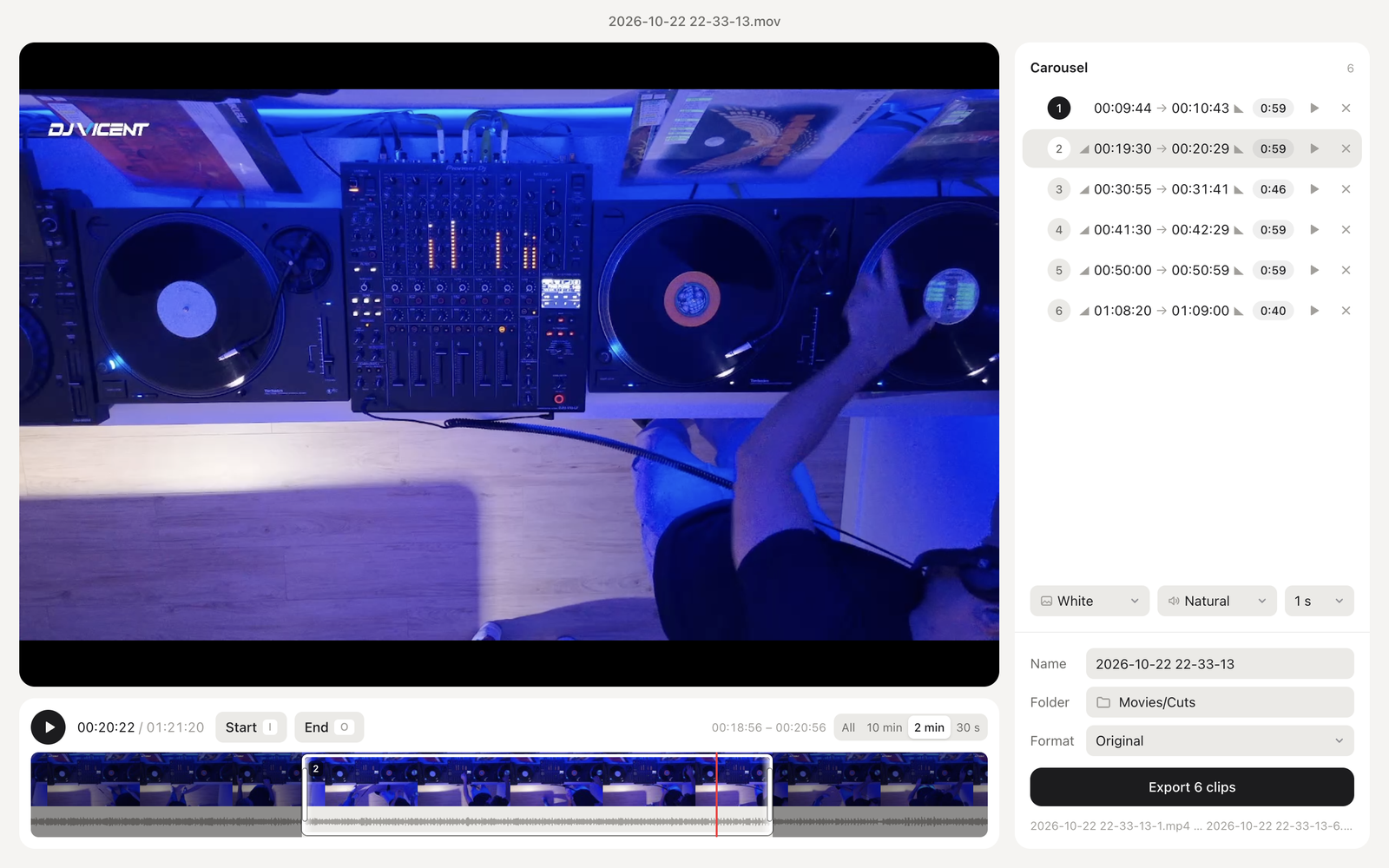
Cuts turns a long recording into short clips, ready to post. Drop in a video, listen, and mark where each clip starts and ends. Cuts exports them all at once, numbered in carousel order.

Coming soon to the Mac App Store.
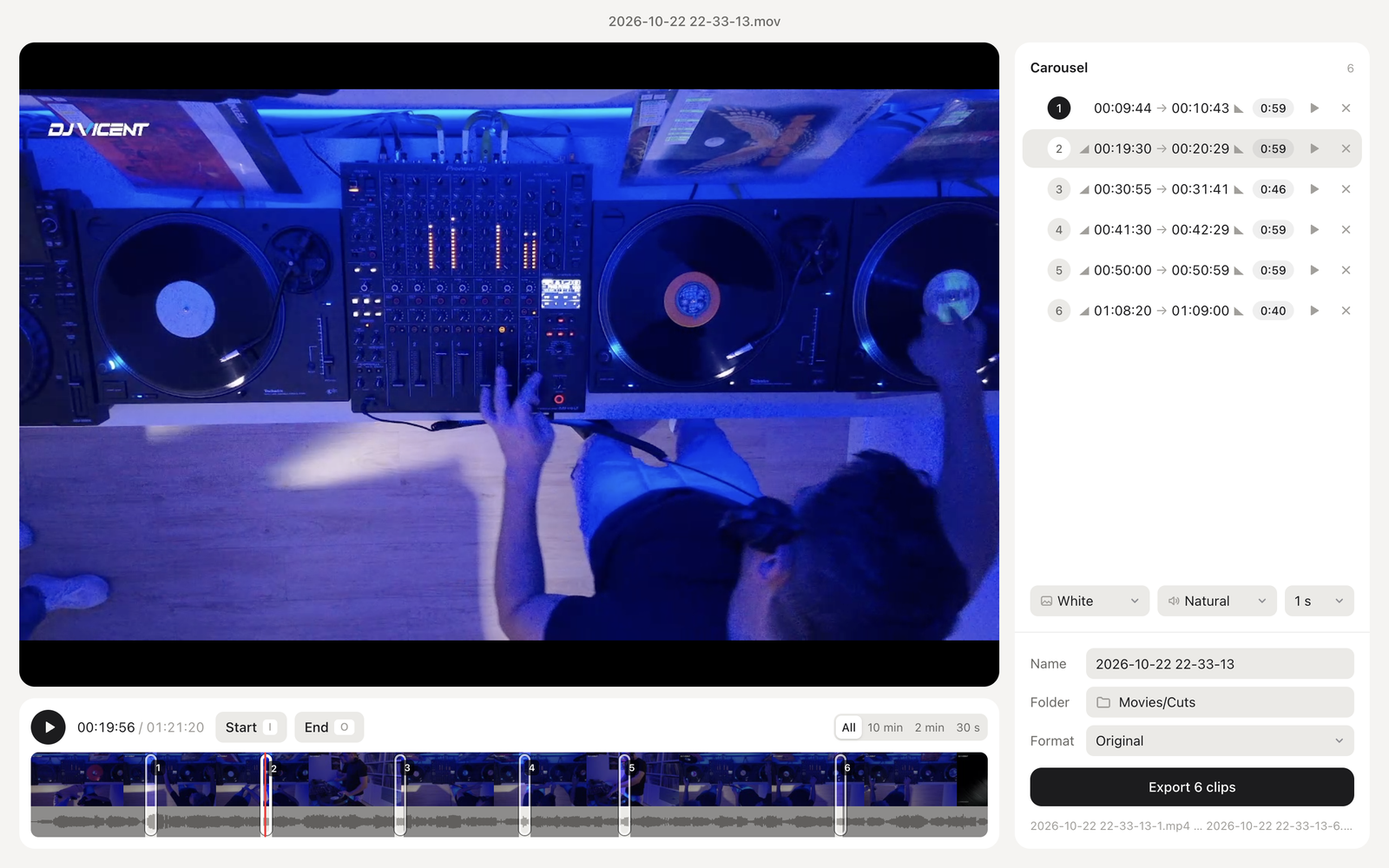
Cuts with a long video, six clips marked and one selected

What it does

  • Mark clips while you listen, with I and O, and play or pause with Space.
  • See the video frames and the audio waveform along the timeline, like in a video editor.
  • Drag clips and their edges on the timeline, and zoom in to fine-tune to the second.
  • Clips up to 59 seconds are carousel-ready. Longer ones are allowed for regular posts.
  • Fades to black or white, and smooth audio fades, set per clip.
  • Original size, or 4:5, 1:1 and 9:16 crops at 1080 px.
  • The first clip starts on a real frame, so the carousel cover is never black.
  • Reorder clips by dragging. The order in the list is the order you post.

A timeline like a video editor

Frames and the waveform show where every moment is. The clip you select stays clear, with edges you can drag and its fades drawn at each end.

Close-up of the timeline: video frames, audio waveform and a selected clip with its edges
The timeline zoomed to two minutes, with video frames, the waveform and a selected clip

Private by design

Everything happens on your Mac. No account, no uploads, no tracking.